
What Recruiting adds
- Default Meeting Types for Candidate interview and Client briefing, alongside General meeting. Older or customized accounts may also retain Client intake or Hiring manager debrief.
- Your own formats. Echo learns how you write interview notes, client briefings, CVs and client emails, and uses them from then on.
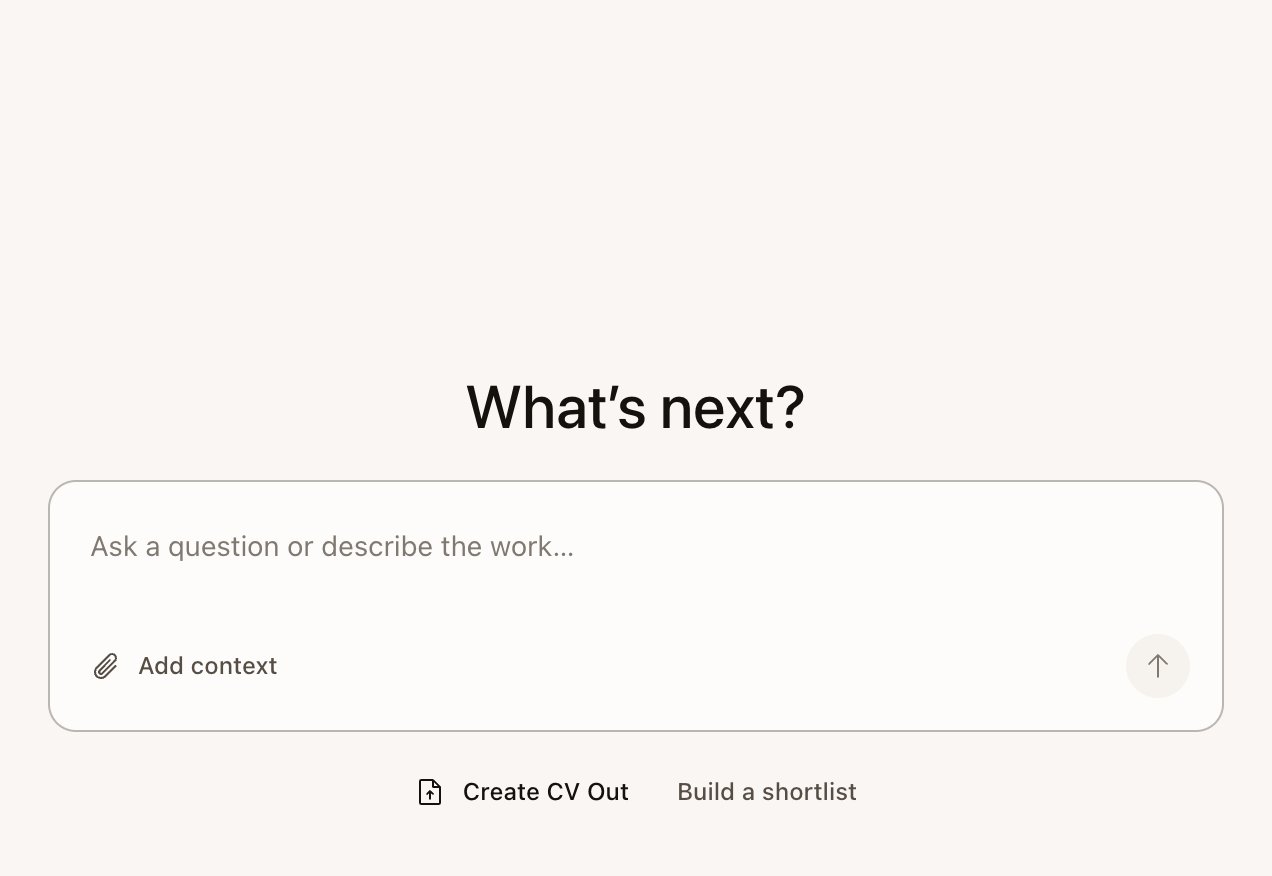
- Candidate search in Echo Agent, which checks people against a job description and builds a ranked Excel shortlist when your account has the needed capability.
- CV Out, which makes a formatted Word CV and the client email together from the job description and the candidate’s CV.
- Recruiter Quick Actions in meetings: Recap last 5 min, Ask next, Gaps so far and Candidate summary.
- If your team uses Skillflo Hire, interview links so the job description and CV inform the brief and live help. These work on any track.
Halden and Priya
This walk-through follows one search. Sam Carter, a recruiter at Fernway, is filling a role for Tom Reyes at Halden. Priya Raman is one of the candidates. All three are invented.1
Intake call with the client
Sam takes Tom’s brief with Client briefing (called Client intake on some older accounts). He configures its checklist to cover role scope, must-haves, compensation, work model, interview process and timeline, and its notes to include a follow-up draft. See Client briefings and hiring manager debriefs.
2
Search and shortlist
Sam selects Build a shortlist and gives Echo the job description. Echo confirms the must-haves, finds a first batch for Sam to react to, then widens the search using that feedback. The result is an Excel shortlist with a column per must-have. See Search for candidates and build a shortlist.
3
Interview
Sam interviews Priya with the Candidate interview Meeting Type. Questions to ask are graded as she answers, and FAQ Answers show Tom’s approved answer when Priya asks about hybrid work. See Run a candidate interview.
4
CV and client email
After the interview, Sam creates a CV Out: Priya’s CV in Sam’s Word template, and an email to Tom in Sam’s format, with anything missing flagged. See Format a CV and draft the client email.
5
Debrief
Sam uses a saved Hiring manager debrief or creates a Meeting Type for the feedback call. Its notes capture the decision, the reasons and the next stage.
Features by stage
Setup and optional tools
Set up recruiting
Choose Recruiting and teach Echo your formats.
Create a CV Out
Start with a candidate CV, a job description, and the candidate’s name.
Recruiter prompts
Requests to copy for each stage of a search.
Use Echo in other AI apps
Connect an external AI agent through MCP. This is separate from Echo Agent inside Echo.
Troubleshooting
Fix missing files, notes, or capture issues.
Echo Agent prompts to copy
Use these inside Echo Agent. External AI apps use MCP through Use Echo in other AI apps.Treat Echo’s grades, flags and notes as input to your own judgment. The hiring decision is yours. Tell candidates and clients that you’re taking notes with an AI assistant.