
Give Echo to your agent
Use Echo from OpenClaw or another agent that supports remote MCP with OAuth. Copy this prompt into your agent:Choose a path
General
Capture client and team meetings, review notes, and follow through on commitments.
Recruiting
Run intake calls, shortlist candidates, interview, and prepare CV Outs for clients.
Travel advisor
Capture consultations, remember preferences, and draft itinerary or proposal documents.
Take your first meeting
If you want to begin now, use Your first meeting. You do not need to choose a path or connect a calendar first. A short practice conversation is enough.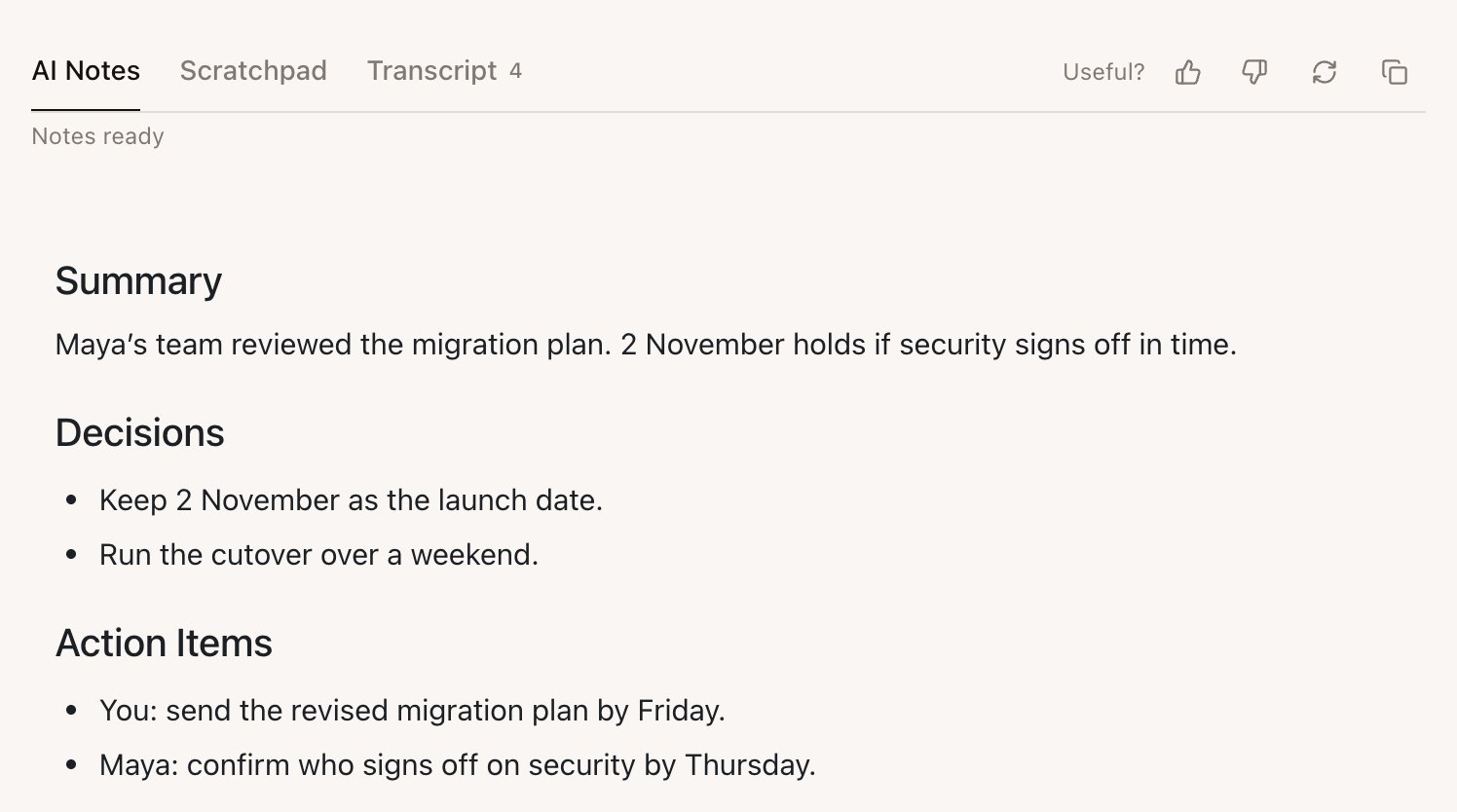
Find a task
Start a meeting
Choose Online meeting or In person, pick a Meeting Type, and start capture.
Review your notes
Open AI Notes, check them against the transcript, and edit the saved Meeting.
My Tasks
Find commitments Echo heard you make during a Meeting.
Use Echo in other AI apps
Connect another AI agent to Echo through MCP so it can read approved Meetings.
Troubleshooting
Fix missing audio, missing notes, attachments, and account issues.
Install and sign in
Echo runs on Macs with Apple silicon and on Windows. Phone apps for iPhone and Android cover in-person meetings. You can also message Echo on WhatsApp and Telegram by invitation. See Install Echo and sign in and Use Echo anywhere.Echo’s briefs, notes, suggestions, and documents can be wrong. Check important details against the transcript, your files, and the source system before you send or act on them.