
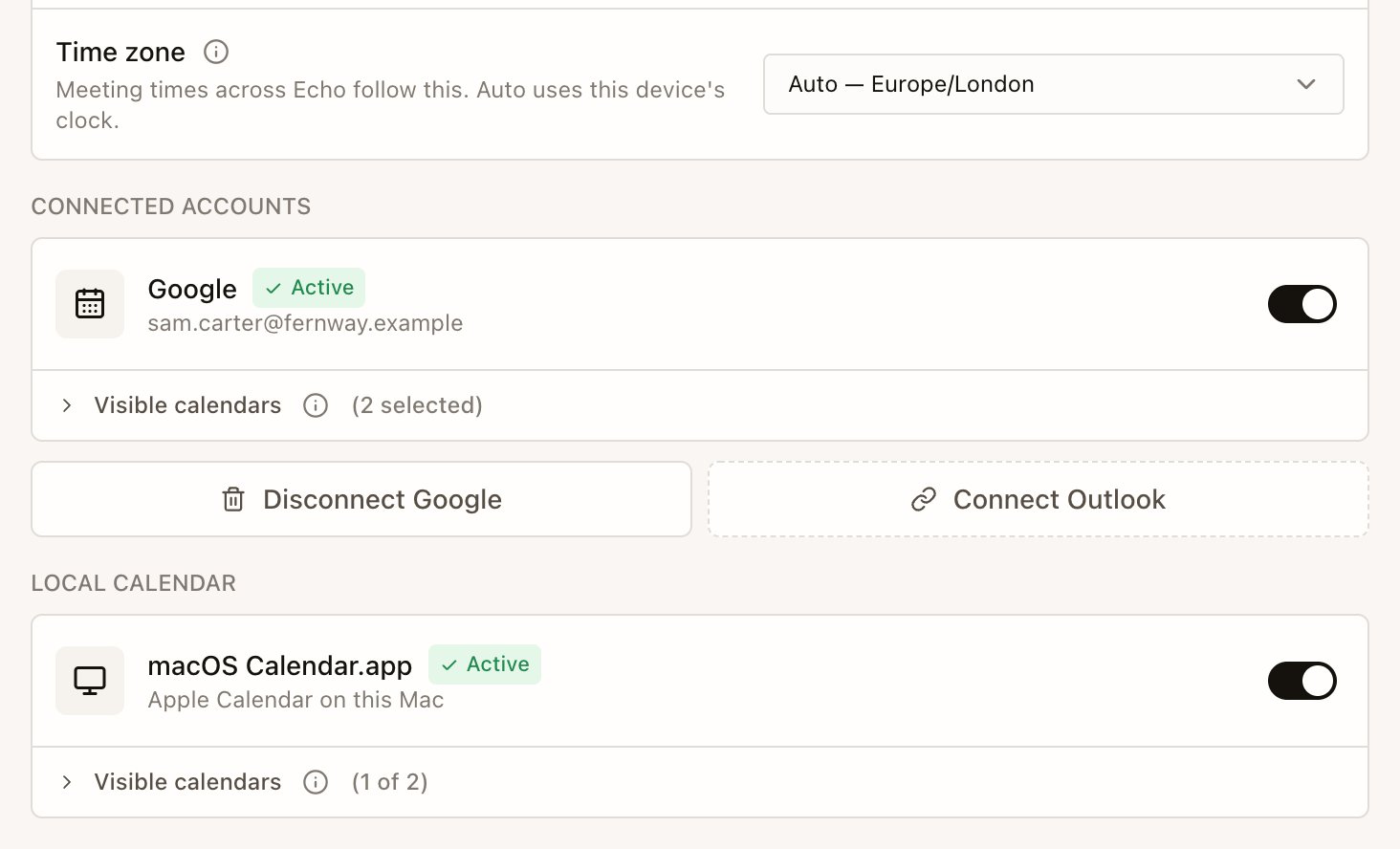
- Open Settings › Calendar sources. From an empty Home screen you can also select Connect calendar.
- Under Connected accounts, select Connect next to Google or Outlook and sign in to that account in your browser.
- On a Mac, switch on macOS Calendar.app under Local calendar to use your Apple Calendar.
- Under Visible calendars, choose which calendars Echo may use. Include the ones with client or candidate meetings and leave out holidays or personal calendars.
Options
What Echo does with your calendar
- Echo reads event titles, times, attendees and join links to list your meetings and match them to earlier calls with the same people.
- Echo doesn’t sync whole calendars to its cloud. When it writes a brief for an event, or you record it, that event’s title, attendees and description go to Echo’s cloud for that meeting.
- For Google and Outlook, Echo keeps your sign-in encrypted and reads events when it needs them. Attendees from those calendars also appear in Contacts.
- See Privacy and your data for how Echo stores attendee details.
Next
Prepare with a Precall Brief
Read what Echo found from your earlier meetings before the call starts.