
Import files and folders
- Open Contacts and select Sources at the top.
- Select Import files to add Markdown, text or PDF files, or Connect folder to add a whole folder.
- Echo reads each file and adds what it learns to memory. New facts appear as the sync works through them.
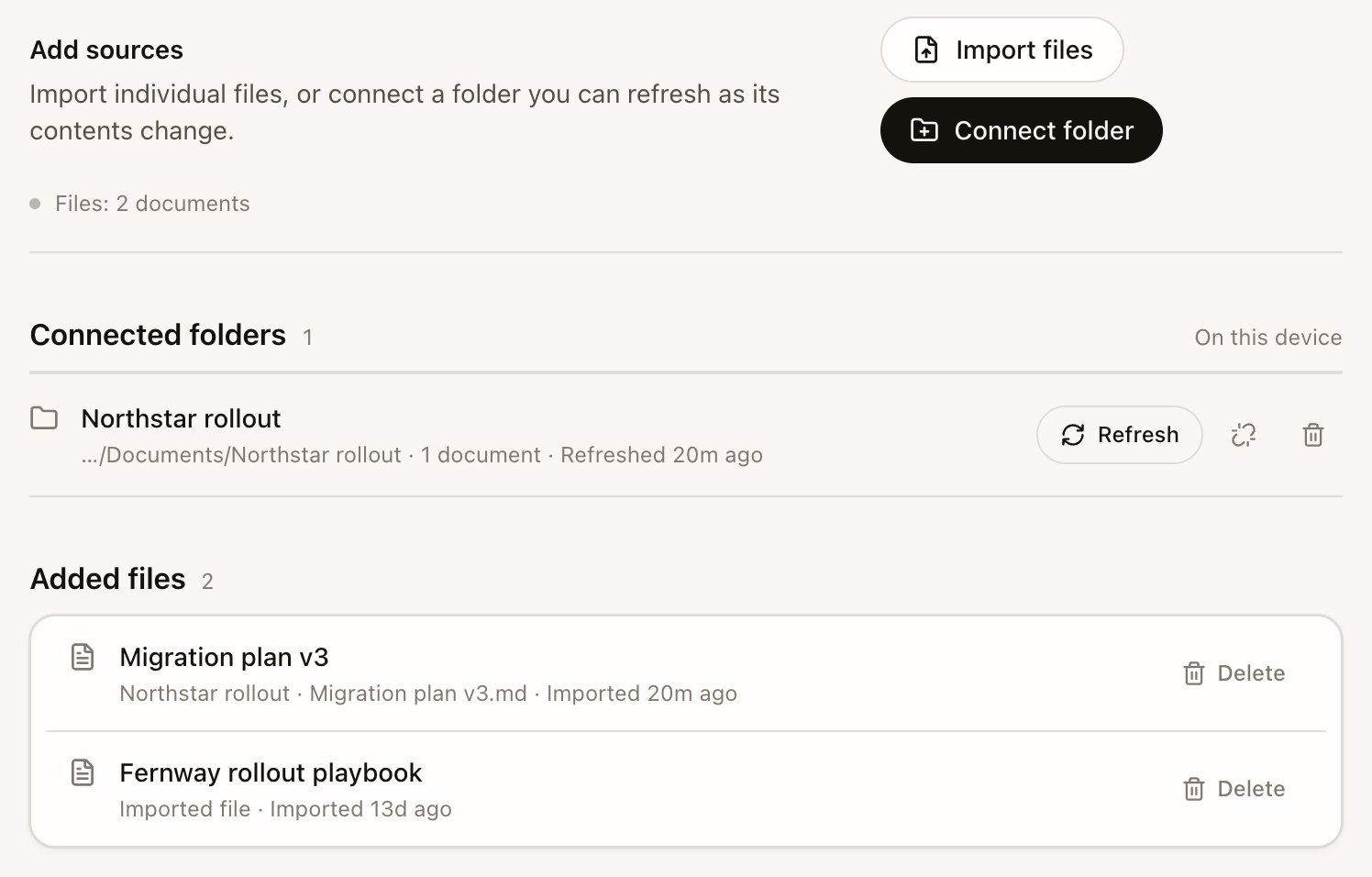
- Delete removes one file and everything Echo remembered from it.
- Disconnect folder stops future refreshes and keeps what was already imported. To remove that too, choose Delete folder and remembered items.
- A file that goes missing from a folder is marked unavailable, not forgotten. Only Delete forgets it.
Notion
To let Echo Agent work with your Notion workspace, add Notion as a plugin: open Settings › Integrations, select Search plugins, find Notion and select Add and connect. Echo Agent asks you to approve each action it takes in Notion. See Connect apps. Notion pages you added to Echo’s memory in an earlier version stay searchable. To remove them, open Settings › Integrations and select Remove from memory next to Notion pages.How Echo uses your sources
- Echo Agent searches your sources when a question needs them, and re-reads the file for detail. A source you switch off in the Agent’s Sources menu stays off until you switch it back on.
- Facts from documents carry their document’s own date, so an old page you added today doesn’t outrank yesterday’s meeting.
- Facts from documents can appear in Contacts and in Echo Agent’s answers, with a link to the document.