
What’s in a meeting
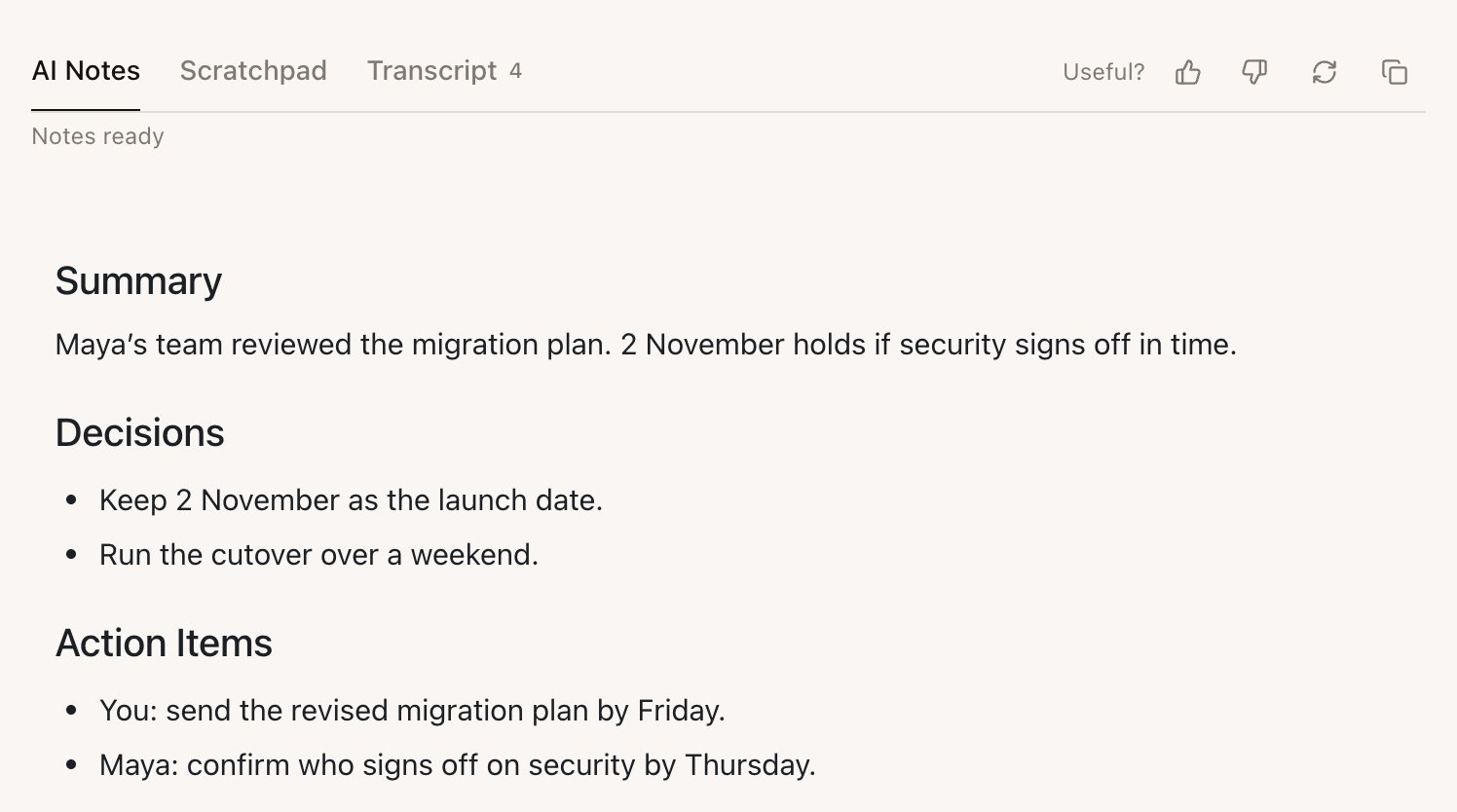
Open a meeting from Notes. Each meeting has these tabs:What the AI Notes contain
The shape of the notes comes from the meeting’s Meeting Type:
You can change the shape for a Meeting Type with How Echo writes the wrap. See Meeting Types.
Edit the notes
Select the AI Notes and type. Your edits are saved with the meeting. Copy notes copies them for an email or a document.Fix a word or a name everywhere
Speech recognition gets some names wrong. To fix one across the transcript and notes, use the meeting’s Ask Echo box:- Ask, for example, “Change NetSys to Natixis”.
- Echo shows what it found and asks you to confirm. For a longer passage it shows the Current and Replacement text.
- Reply Yes, do it to apply it, or Cancel.
Ask about the meeting
The same Ask Echo box answers questions about this meeting, such as “What did Maya say about the security review?” or “Draft a follow-up email to Maya.”Release pending — as of October 27, 2026, the next desktop release keeps file attachments in this meeting’s existing Ask Echo conversation, with the selected meeting and earlier messages. Attaching a file no longer sends you to an unrelated conversation. Files still obey the attachment limits and source choices described in Echo Agent. See Release status.
Regenerate the notes
- Regenerate notes writes the AI Notes again from the transcript. It replaces your edits to the AI Notes; the transcript and Scratchpad stay as they are.
- To write them in a different shape, change the meeting’s Meeting Type. If you’ve edited the notes, confirm with Change and regenerate.