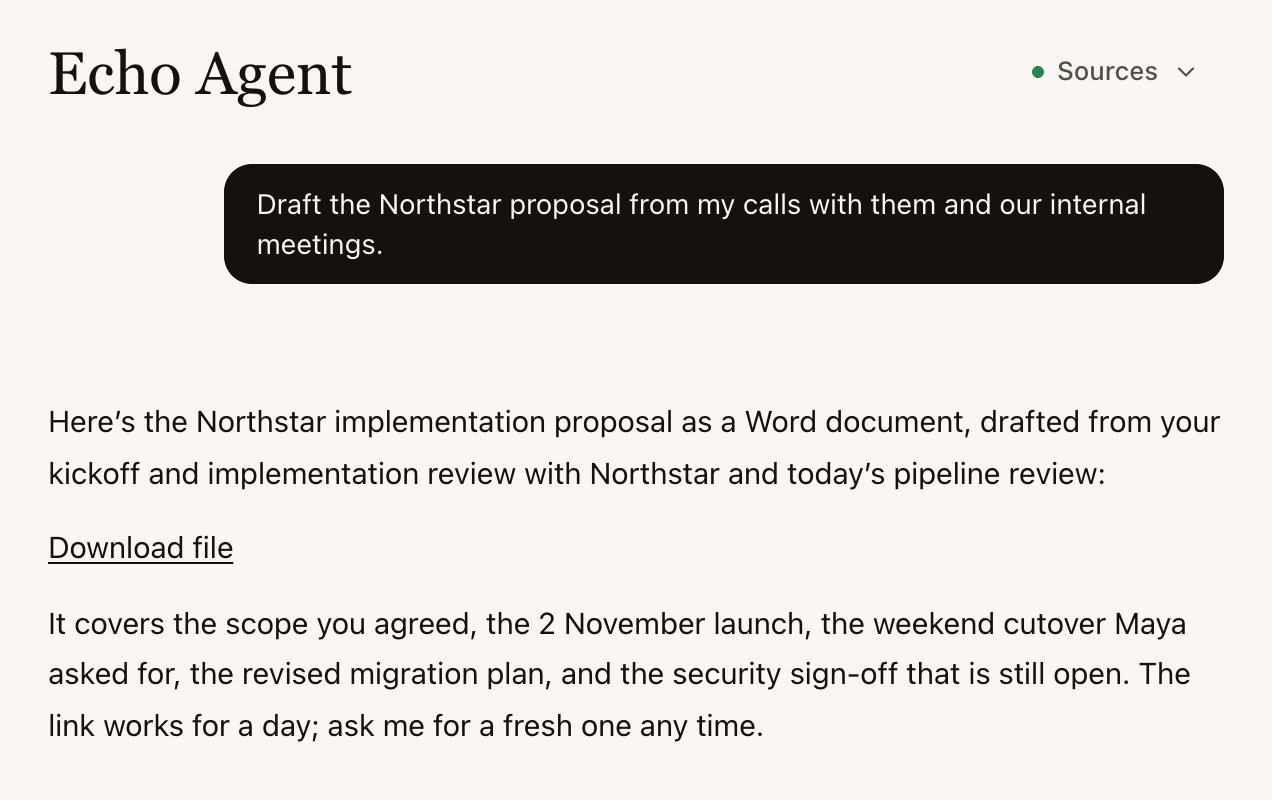
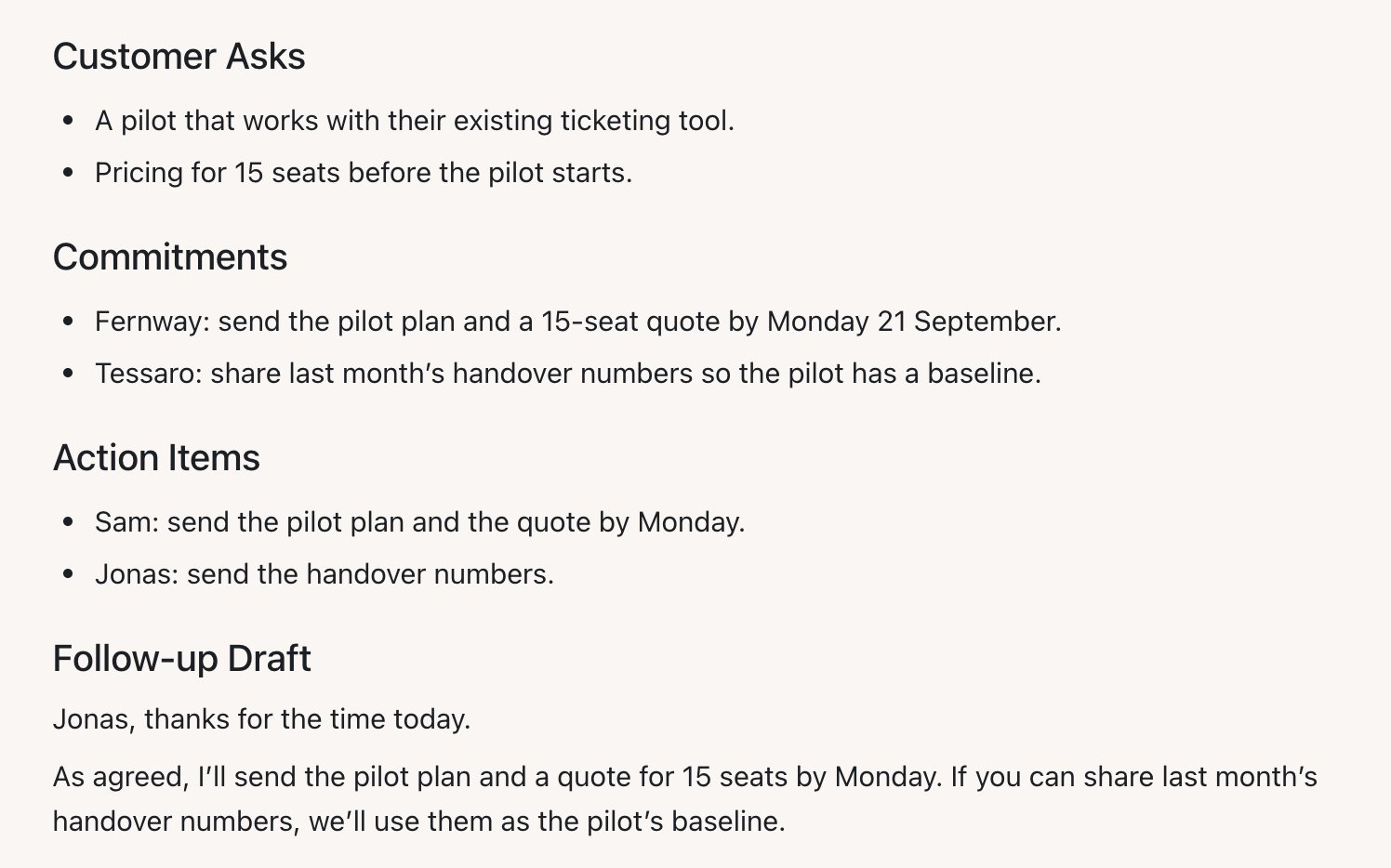
The example uses Sam Carter, who runs implementation projects at Fernway, and Maya Smith, the client lead at Northstar. Both are invented.
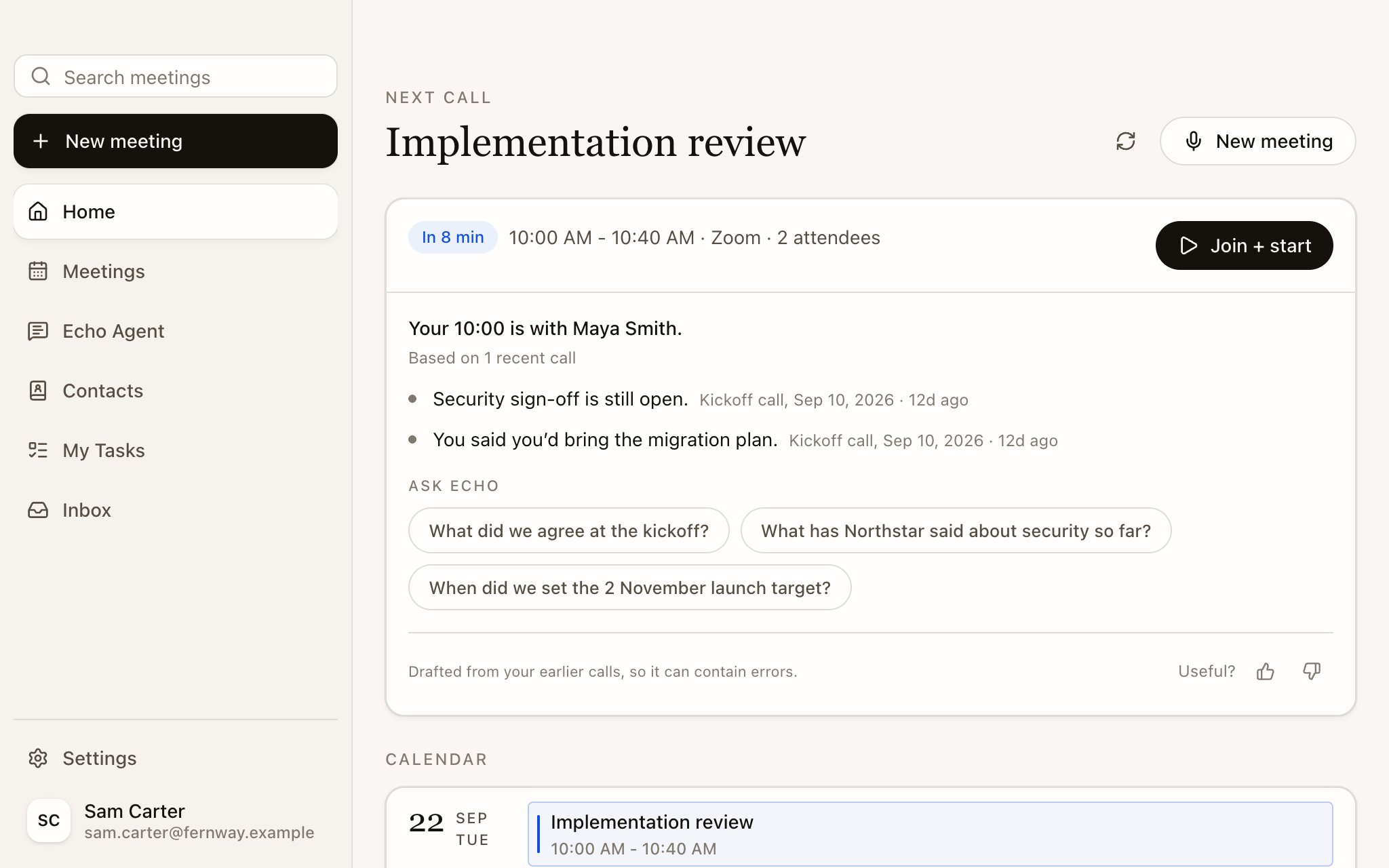
A later Northstar meeting, after Echo has previous meetings to brief from.
Sam and Northstar
1
Prepare when history exists
Sam opens Echo Agent and selects Prepare my day. With Google Calendar connected, Echo lists the day’s Meetings and flags what needs prep. Ten minutes before the Northstar call, Home shows a Precall Brief from earlier Meetings with Maya. See Prepare with a Precall Brief.
2
Capture the call
Sam starts the Meeting as an Online meeting. Echo captures Sam’s microphone and the other side’s audio, keeps the transcript, and leaves space for Sam’s own notes. See Start a Meeting.
3
Use optional live help
If Sam has turned on Questions to ask for the Meeting Type, Echo tracks how well each question has been answered. The Meeting Nub also offers Quick Actions such as Recap last 5 min and Wrap meeting. See Turn on live help and The Meeting Nub and Quick Actions.
4
Review the saved Meeting
After the call, Sam opens AI Notes, checks them against the transcript, and names speakers if needed. Sam’s own promise to send the migration plan can appear in My Tasks when the Meeting includes that commitment. See Review AI Notes and My Tasks.
5
Use the relationship later
Maya’s commitments and preferences help future briefs and contact records. Sam can ask Echo Agent to draft a follow-up email or a proposal from the Northstar Meetings. See Echo Agent and Contacts.
Features by stage
What to set up
- Install Echo and allow microphone permissions. See Install Echo and sign in.
- Take one short Meeting. See Your first meeting.
- Connect your calendar when you want Home and Precall Briefs to use upcoming Meetings. See Connect your calendar.
- Turn on Checklist or Questions to ask only for the Meeting Types where you want live help. See Turn on live help.
- Add Quick Actions that match your work, such as “List every number mentioned so far with what it refers to.” See The Meeting Nub and Quick Actions.
More General tasks
Discovery Call notes
Use or edit a structured Meeting Type for first client calls.
Review your notes
Check AI Notes against the transcript before you use them.
Find past Meetings
Return to a Saved Session by title, participant, or date.
Use Echo in other AI apps
Connect an external AI agent through MCP. This is separate from Echo Agent inside Echo.
Troubleshooting
Fix missing audio, missing notes, or attachment issues.